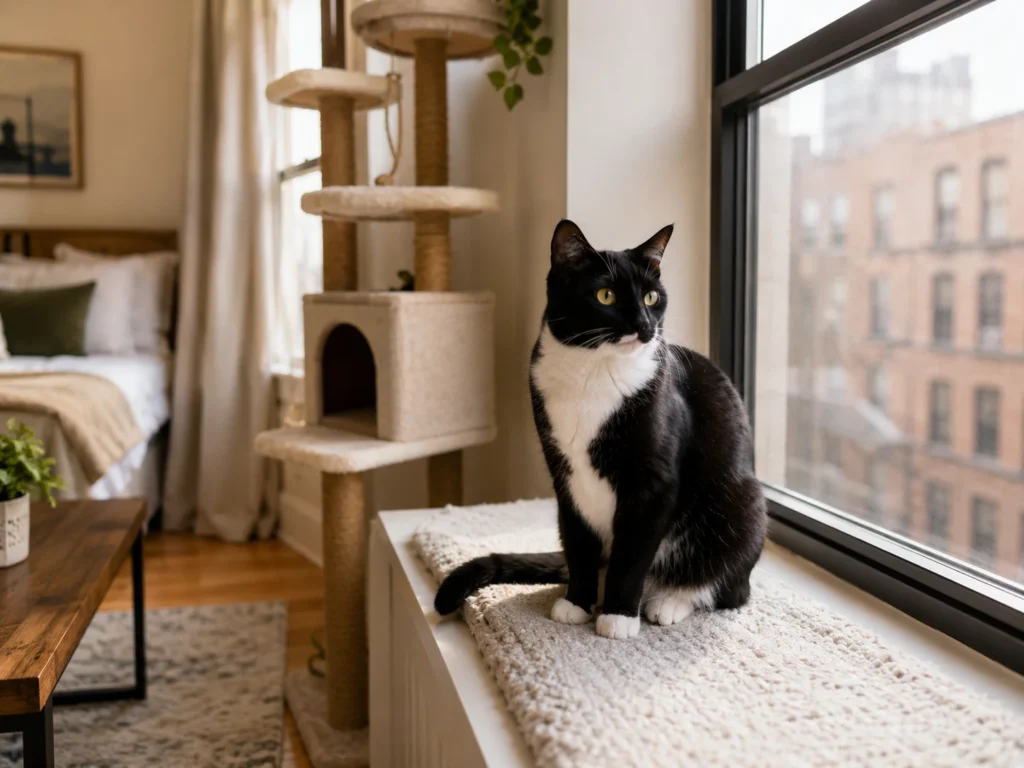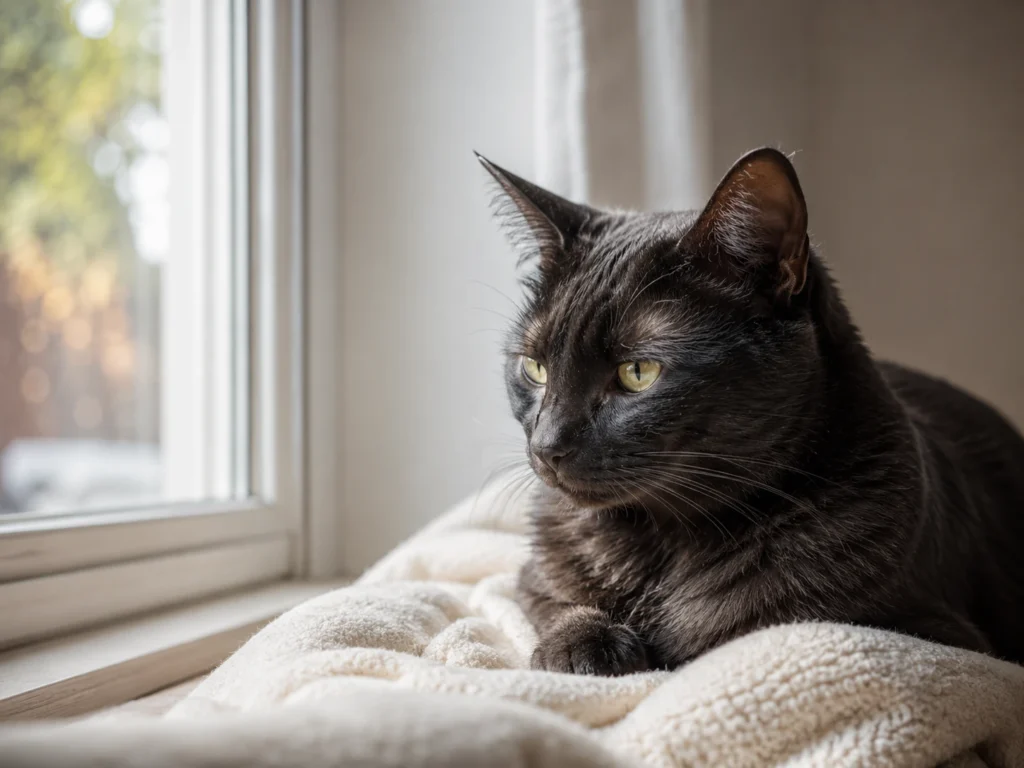
For better photos of your cat, start with a moment they choose: resting on the sofa, watching the room, or stretching after a nap. Keep a comfortable distance, use soft available light, and focus before you take the picture. If your cat moves away or seems uncomfortable, put the camera down and let the moment end.
You can improve the light, framing, and camera settings without asking your cat to perform. The aim is an ordinary photograph of your cat being themselves, not a particular pose or a promise that every cat will welcome a camera.
Before You Pick Up the Camera
Use a phone or camera you already know. Check how to turn off its flash and set focus before the opportunity arrives; you do not need to learn a new mode while your cat waits. Automatic settings are a reasonable starting point. Cats Protection’s photography tips recommend familiar settings and having the camera available for spontaneous moments.
Choose a place your cat already uses, with room for them to leave. Do not carry them to a backdrop, hold them still, or ask someone to keep petting them so you can get the shot. Blue Cross identifies unwanted stroking and picking up as possible sources of stress. A photograph is not a reason to continue contact your cat is trying to end.
Look at your cat as well as your screen. A motionless cat is not automatically a comfortable cat. Read their posture, ears, tail, and behavior together, using our guide to cat body language if you need help interpreting the whole picture.
1. Choose the Moment, Not the Pose
Wait for something your cat is already doing that you would like to remember. A relaxed resting position, a side profile, or a glance across the room can make a worthwhile photograph. Your cat does not have to sit upright or face the lens.
Cats Protection suggests trying after a meal or when a cat wakes naturally, when you may catch a relaxed moment. Treat that as a possibility, not a schedule: an individual cat may want to play, leave, or do something else. Do not wake them to create the opportunity.
Move on to framing only if your presence and camera are not prompting signs of discomfort. If your cat gets up and leaves, that ends this attempt. If they become wary when you raise the camera, put it away rather than repeatedly raising it to see whether they will accept it.
2. Find Your Position Without Moving Your Cat
Start where you can photograph your cat without crowding them. There is no distance in feet or meters that suits every cat. If getting a tighter picture would mean moving into space they are trying to keep, accept a wider photograph instead.
Try changing your angle while keeping that space. Getting down toward your cat’s level can give you a more direct view of their face and surroundings. Stay at the distance your cat is comfortable with; a lower viewpoint is not a reason to crawl closer or put the camera in their face.
If a camera you already own has a suitable optical zoom lens, you can use it to frame your cat more closely from your existing position. This is different from assuming that every phone’s zoom works the same way; phone cameras and zoom options vary. You do not need to buy a lens for this approach.
Check the edges of the frame before you shoot. Would you prefer the whole resting cat, including their tail, or a closer portrait? A little of their familiar setting can be part of the picture. If your angle is awkward, change the composition rather than moving a paw or turning your cat’s head.
3. Work With Available Light and Backgrounds
Soft window light is a useful starting point when your cat has already chosen a spot near it. Keep the flash off: Cats Protection’s photo guide notes that flash can startle cats. Do not move a reluctant cat to a brighter location or take an indoor-only cat outside for the light.
Look at the image on your screen. If the window is behind your cat and their face appears as a dark silhouette, try a different position yourself, so that the available light falls more from your side. Make that change only if you can keep a comfortable distance and leave their way out clear. A silhouette is preferable to disturbing your cat to fix the lighting.
Notice what sits behind your cat, too. A pale background can help a dark coat stand out, while a darker background can give a pale coat more definition. A simple background may make a patterned coat easier to see. These are aesthetic options, not rules that justify relocating your cat.
Often the workable choice is simply a different camera angle. If you cannot get both an uncluttered background and a comfortable position, keep the comfortable position. You can decide later whether the setting adds to the photograph or whether a crop would help.
4. Set Focus and Adjust for Movement
For a portrait, aim to focus on the eyes. On a phone that supports tap-to-focus, tap the eye area on the screen before taking the picture. This selects where the camera focuses; it does not mean your cat needs to look at you. A side-facing portrait can still show a clear eye.
If your cat changes position, check focus again. Hill’s Pet’s photography guide recommends refocusing as the distance changes; continuous autofocus, where available, is another option described by Cats Protection. Use a feature you understand rather than spending the moment searching menus.
Movement and missed focus are different problems. If your cat is moving and the image looks smeared, a faster shutter speed or an available action or sports mode may help. If the background looks sharp but your cat does not, check where the camera has focused. Options vary by device. If your phone does not offer shutter or action controls, use the focus controls available and wait for a naturally still moment rather than trying to stop your cat moving.
If the cat stays comfortable, try the relevant adjustment. If they leave while you are checking the screen, do not follow them to recreate the photograph. The settings can wait for another naturally occurring opportunity.
5. Take the Picture Without Prolonging the Moment
Take a photograph when the framing and focus are ready. For movement, an available burst mode or a short succession of pictures may give you more chances to catch a usable expression or position. It is an option, not a reason to keep shooting after your cat has had enough. There is no required number of frames to collect.
If your cat is comfortable and interested, you can hold a familiar toy just outside the frame or above the camera to attract attention. Keep this optional. Do not keep presenting the toy to pull a departing cat back into the setup or make looking at the lens the condition for finishing.
Looking away can be the photograph. Cats Protection’s volunteer photographer specifically includes it as a useful portrait option. A turned head alone is not a timed test of willingness; consider the cat’s whole behavior. If they become tense, avoid you, or want to leave, stop.
Once you have a picture you like, you can finish. Review the images afterward rather than asking your cat for the same pose again. If they move away from your hand as well as the camera, our guide to why cats move away from petting explains how to respect that withdrawal.
Troubleshoot the Photograph Afterward
A disappointing image does not mean your cat needs another attempt right now. Start by identifying the photographic problem:
- The photograph is too dark. Try modest brightening in an editor. For a future natural opportunity, increasing ISO on a camera that allows it is another alternative to flash. Neither approach guarantees that you can recover missing detail, so avoid treating editing as a rescue for every dark image.
- Your cat occupies only a small part of the frame. Consider whether the wider setting makes a good photograph. If not, try a crop afterward, knowing that it leaves less of the original image. Cats Protection recommended cropping rather than phone zoom in its 2019 guide; that dated advice is not a rule for every current phone or zoom mode.
- The image is blurry. Decide whether focus landed elsewhere or movement blurred the subject. At a later opportunity, refocus for the first problem or try a faster shutter or action mode for the second. Do not solve either by holding your cat in place.
- Your cat is not facing the camera. Check whether the profile, ears, surroundings, or direction of their gaze are what make the picture interesting. You may already have a photograph worth keeping.
Putting It Together at Home
Imagine your cat is resting on a pale sofa beside a window. From the doorway, you see that the window behind them makes their face dark. You move to another comfortable position where the light falls across the sofa, without touching the cat or blocking the route down.
You lower the phone for a less overhead view, keep some of the sofa in the frame, and tap the visible eye area to focus. Your cat looks toward the window rather than at you, so you take the side portrait. When they get up, you put the phone down. Later, you decide whether to brighten or crop the image. The useful sequence was choosing your position, light, and focus; the cat never needed to supply a pose.
When Photography Should Wait
Stop if your cat seems uncomfortable, even if you are unsure what caused it. Blue Cross describes possible stress signs including increased avoidance, agitation, a tense or hunched body, flattened ears, repeated lip licking or swallowing, and skin twitching. Individual signs are not diagnostic on their own, and this is not a validated photography checklist. You do not need to establish a diagnosis before giving your cat space.
If you notice a change in your cat’s usual behavior, think they may be unwell, or are concerned about stress, speak with your veterinarian. Additional behavior support should come from a qualified feline behavior professional. Taking or improving photographs should never delay that care.
Sources
View Sources and References
Cats Protection: Pet Photography: How to Take Amazing Photos of Your Cat. Practical guidance on timing, light, focus, camera adjustments, and photographing from a distance. The phone-zoom advice is from 2019 and is treated as device-era guidance.
Cats Protection: 9 Tips for Better Cat Photos From a Cats Protection Volunteer. Practical advice on natural moments, backgrounds, viewpoints, familiar settings, and ending the attempt when the cat has had enough.
Blue Cross: Stress in Cats. General feline stress guidance, including unwanted handling, possible signs, and seeking veterinary or qualified behavioral help.
Hill’s Pet Nutrition: “Smile!” How to Take the Perfect Picture of Your Cat. Additional practical support for patience, focusing, movement, and image adjustments. Its suggestion to use stroking to keep a cat still is not followed here.